AI Translation Earbuds Review: 170 Languages & 0.45s
I tested these AI translation earbuds across languages, live transcription, and face-to-face mode. Here's what actually worked and the setup catch.
This post contains affiliate links. I may earn a commission at no extra cost to you.
Quick Verdict
I asked “Can you tell me where the bathroom is?” and it spoke it back in Spanish out loud, no second headphone needed. These are AI translation earbuds that also play music with good bass, so you’re not stuck carrying a single-use gadget.
Buy if you:
- Travel and need face-to-face translation across languages on the fly
- Want transcripts of interviews, class lectures, or meetings
- Teach students or parents who don’t speak your language
- Want one device that translates AND works as regular earbuds
Skip if you:
- Don’t want to download an app and create an account just to use them
- Refuse to keep your phone nearby, everything runs through the app
- Only want plain music earbuds with zero setup
| Languages | 170 languages & accents |
|---|---|
| Response time | 0.45 seconds |
| Connectivity | Bluetooth 6.0 with ENC |
| Charging | USB-C, case included |
| App required | Recolx (iOS & Android) |
| Model | JYDH102 |
These Earbuds Speak 170 Languages And Play Music Too
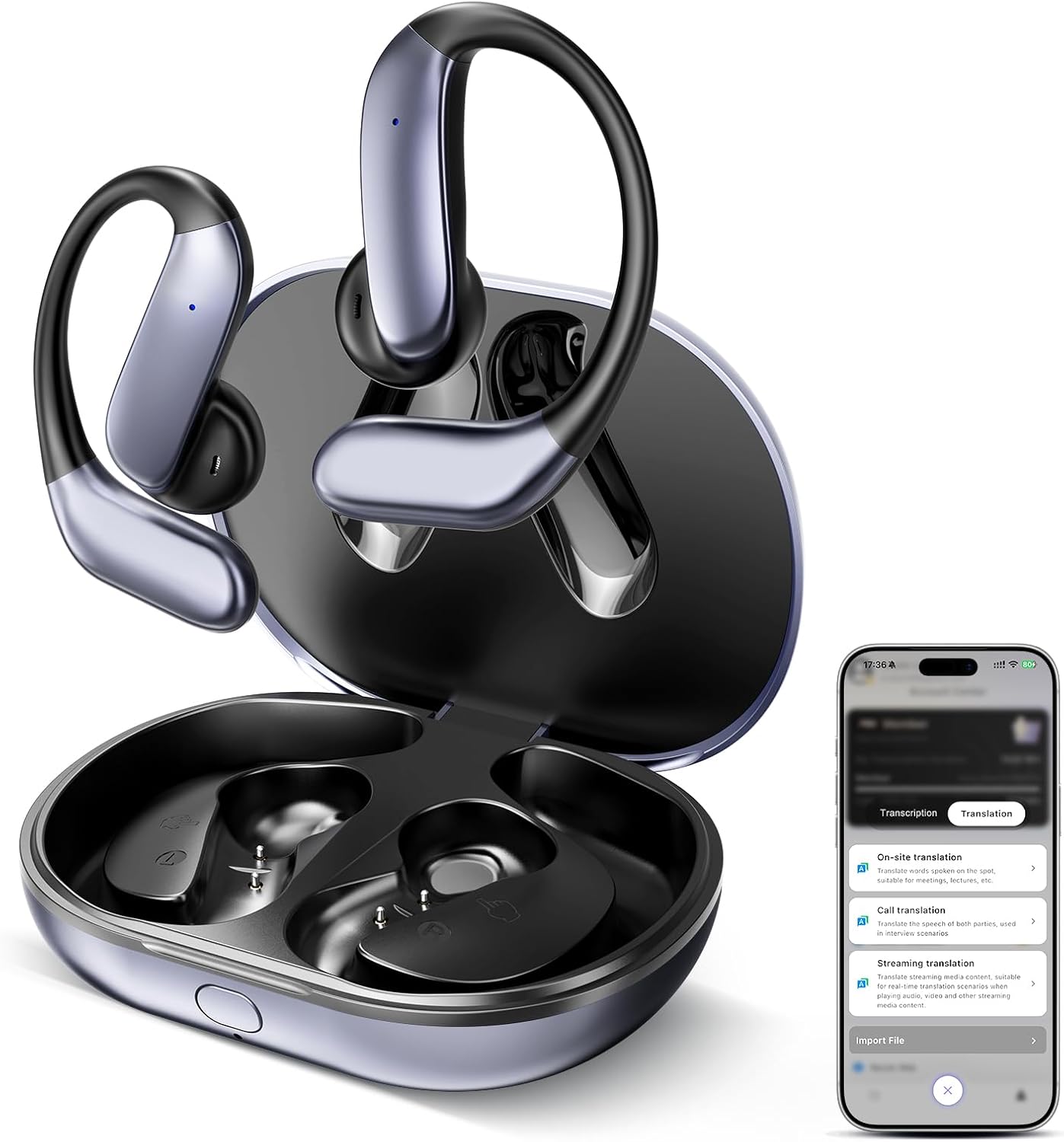
I pushed the button, said a sentence about these AI translation earbuds, and watched the text pop on my phone while it played back in my ear at the same time. That’s the moment these things clicked for me. They’re earbuds that handle languages across 170 options, but they double as regular headphones with real bass. You can grab them on Amazon here if you want to see the current price while you read.
Most translation gadgets are one-trick ponies. These aren’t, you get face-to-face translation, live transcription with speaker labels, and music with actual bass, all in one earbud you’d carry anyway.
What’s In The Case And How It Pairs
The case is glossy and smooth all around, not the usual matte black brick you get with cheap earbuds. USB-C charges it on the back, and the cord comes in the box. A front light indicator tells you it’s charging.
The earbuds only fit one way in the case, left or right, so you can’t mess it up dropping them back in. As soon as I pulled them out they flashed blue and red, which meant they were ready to Bluetooth. They’re listed as model JYDH102 and run Bluetooth 6.0 with ENC noise canceling. Pairing was a beep and done.
The Face-To-Face Translation Actually Worked
Face-to-face mode is the feature that got me. I set it to English-to-Spanish, held the button, and said “Can you tell me where the bathroom is?” It came out loud in Spanish and showed the translation on screen. The other person doesn’t even need to wear an earbud. They just tap and hold on their side and talk back.
Then there’s the simultaneous mode where two people each wear one earbud and talk back and forth. I recorded myself, watched the words pop on the phone and play in my ear at the same time, and it just kept going until I hit stop. You can save that file too. For earbuds that juggle this many languages, the back-and-forth felt smooth, not laggy.
The transcription side is what surprised me. I ran a live transcription and it typed out everything I said in real time. It even did speaker identification, tagging me as “Speaker One” since I was the only one talking, and spat out a summary of the recording afterward. That’s really stinking cool if you’re recording an interview, a class lecture, or a sermon and want the notes later.
You Have To Download An App And Sign Up First
None of the good stuff works out of the box, that’s the catch. You scan a QR code from the manual, download the Recolx app, allow all the permissions, and log in with an account before you can translate a single word. It’s not hard, but it’s a few steps most people won’t expect from a pair of earbuds, and everything runs through your phone.
If your phone’s dead or you left it behind, you’ve basically got music earbuds. Worth knowing before you rely on these for a whole trip.
Get it now
AI Translation Earbuds
Get the best price on Amazon →This post contains affiliate links. I may earn a commission at no extra cost to you.

Teachers, Travelers, And Anyone Taking Notes
If you’re a teacher with students or parents who don’t speak your language, these could really change how you communicate. I kept coming back to that use case. Same for travelers who want to ask a question in another country without fumbling through a phrase app.
But the transcription crowd might get even more mileage. Phone interviews, one-on-one conversations, class notes, meeting recaps, all of it lands as a saved transcript with a summary. If you’re the person who’s always trying to remember what got said in a meeting, this handles the languages and the note-taking in one shot.
How They Feel And Sound
The over-ear hook design kept them locked in place even when I was gesturing and moving around mid-conversation, no readjusting, no shifting. That’s not a small thing when you’re holding a button and trying to focus on what someone’s saying back to you in another language.
I played some music and the bass came through strong with good mids. It’s a nice sound built in, so you can use these as everyday headphones on top of all the AI stuff. Tap controls handle volume with one tap, play and pause with two, plus track skipping and phone calls.
Setup Tips Before Your First Conversation
Do the app setup at home, not at the airport. The Recolx account creation, permissions flow, and language-pair selection take about five minutes on a good day, none of which you want to burn through while someone’s waiting on you to translate.
Read the guide the app shows you first, it walks through transcription language versus target language, which is easy to mix up. And when you’re done, just drop them back in the case and they charge themselves. Simple as that.
Pros
- Face-to-face translation works without the other person wearing an earbud
- Live transcription with speaker labels and auto summaries
- Good bass and mids, works as real music earbuds too
- Lightweight over-ear fit that stays put
- Foolproof case, earbuds only drop in one way
Cons
- Requires the Recolx app and an account before anything works
- Everything runs through your phone, so it needs to be nearby and charged
- Transcription can take a minute or so to fully populate after you stop
Frequently Asked Questions
Do these earbuds need an app to translate languages?
Yes. You download the Recolx app from the App Store or Google Play, sign up for an account, and pair the earbuds through it. Translation and transcription won’t work without it, though music and calls work over standard Bluetooth.
What phones are these compatible with?
Both iOS and Android, since the Recolx app is on the App Store and Google Play. They pair over Bluetooth 6.0, which is backward compatible, so any reasonably modern phone should connect fine.
Does the other person need to wear an earbud during translation?
Not in face-to-face mode. You press and hold to speak, it plays your translated words out loud, and the other person taps their side to reply. In simultaneous mode you’d each wear one earbud and talk back and forth instead.
Can I use these as regular headphones for music?
Yes, and they sound good doing it. I got strong bass and solid mids when I played music. Tap controls cover volume, play/pause, track skipping, and answering phone calls.
Is there a monthly fee to use the translation features?
The video didn’t mention any subscription, just the free app download and account signup. Check the current Amazon listing and the Recolx app terms for the latest on any premium tiers before buying.
Can it save the transcripts and translations?
Yes. After recording a translation or transcription you can save the file in the app. It can also generate a summary with a custom template and identify different speakers in the recording.
Will these work for recording a class or interview?
Yes, live transcription is built for exactly that. I ran it and watched it type everything out in real time. It’s handy for lectures, phone interviews, meetings, or a sermon where you want the notes afterward.
How do I charge them?
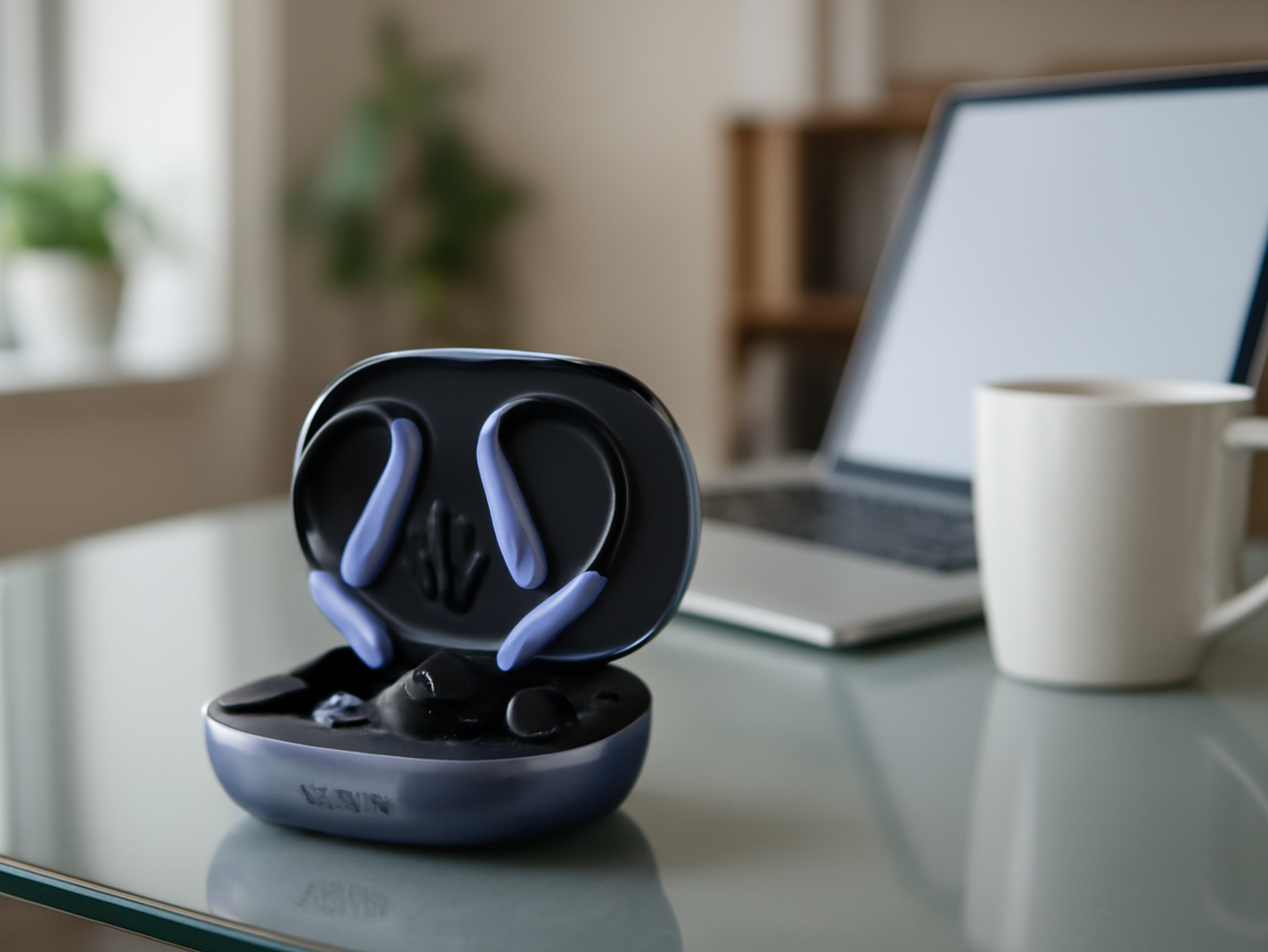
Drop the earbuds back in the case and they charge automatically. The case charges via the included USB-C cable, and a front light indicator shows charging status.
Clicking takes you to the seller's website. We may earn a small commission if you purchase, at no extra cost to you.
Get it now
AI Translation Earbuds
Get the best price on Amazon →This post contains affiliate links. I may earn a commission at no extra cost to you.
🛍️ Shop everything in this video
Every product mentioned, in one place — these are affiliate links, so I may earn a small commission at no extra cost to you.
🛍️ JYDH102 AI Translation Earbuds — check price on Amazon →
🛍️ RECOL X App — check price on Amazon →